
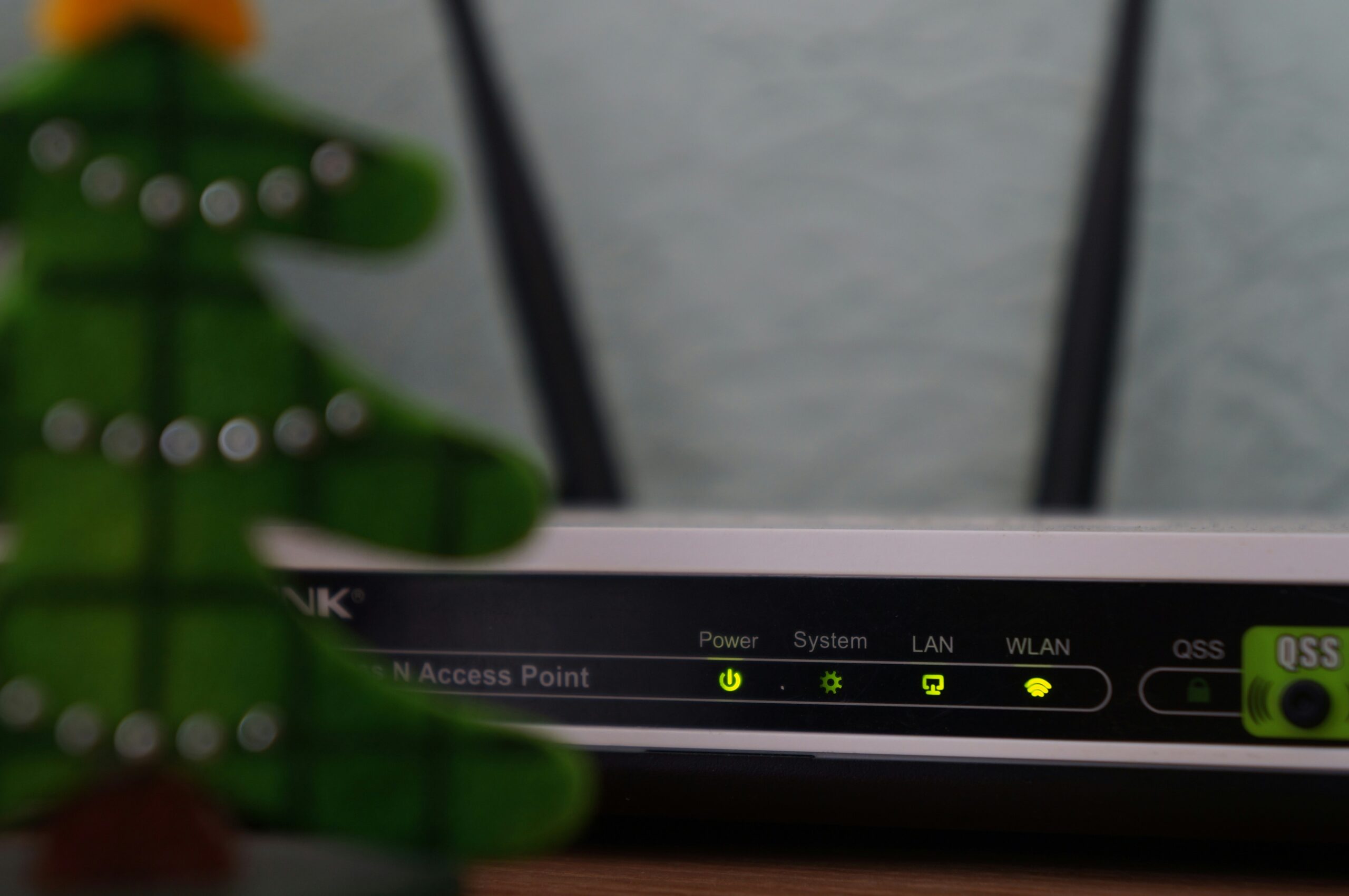
In today’s digital-first world, a strong and reliable home network is no longer a luxury; it’s a necessity. Whether you’re working from home, streaming your favorite shows, gaming online, or managing smart home devices, your WiFi setup must be fast, secure, and efficient.
For residents seeking a dependable home network setup in New London, CT, the journey begins with making informed choices about equipment, layout, and service providers. This guide explores what every household needs to achieve a seamless and future-proof network setup.
Understanding the Basics of a Home Network
A home network isn’t just about plugging in a router and hoping for the best. It involves a series of components that work together to provide coverage, speed, and reliability. A typical setup includes a modem from your internet provider, a router for wireless access, and sometimes mesh WiFi systems or extenders to improve coverage.
The effectiveness of this setup depends on the number of connected devices, the size and layout of your home, and your internet usage habits.
Large households or homes with thick walls may suffer from “dead zones” where WiFi signals can’t reach. Streaming in 4K, gaming online, or using video conferencing tools also demands higher bandwidth and lower latency.
Planning for Professional WiFi Installation in New London
In New London, homes range from compact apartments to historic multi-story houses. A one-size-fits-all solution rarely works. That’s where professional wifi installation New London experts come in. Skilled technicians can assess the layout of your space, pinpoint where coverage drops, and strategically install equipment to eliminate weak spots.
Professional installation services also handle security configurations, firmware updates, and router placement, which means you’re less likely to suffer from avoidable issues down the line. Plus, proper cable routing keeps your setup tidy and less prone to signal interference.
Selecting the Right Equipment for Your Home
Your network’s performance hinges on the quality of your equipment. Not all routers and modems are created equal. Entry-level devices may suffice for light browsing but often struggle with multiple users, smart devices, and high-bandwidth activities.
For optimal performance, consider investing in:
- A dual- or tri-band router with support for the latest WiFi standards.
- A mesh WiFi system if you have a large or multi-level home.
- Devices with strong security features, like automatic firmware updates and firewalls.
- Hardware that supports Quality of Service (QoS) to prioritize tasks like video calls or gaming.
These investments help ensure your home network can support growing digital demands over time.
Structured Cabling Services: The Foundation of Reliable Connectivity
One often-overlooked element in home networking is cabling. While wireless is convenient, wired connections provide unmatched stability and speed, especially for bandwidth-intensive tasks like gaming or media editing.
Structured cabling services offer homeowners a neat, organized way to route Ethernet lines through walls and between rooms, eliminating clutter while reducing lag. This setup is particularly beneficial during renovations or new builds, allowing seamless access in any room.
For smart home users, structured cabling is also essential to support devices like security systems, smart TVs, and streaming boxes that benefit from direct connections.
Preparing Your Network for Smart Living
With smart home adoption on the rise, your network must be able to support dozens of simultaneous device connections. Everything from doorbells to thermostats to kitchen appliances now relies on WiFi.
A strong home network setup ensures:
- Minimal latency for real-time alerts and automation
- Security for sensitive data through separate networks for guests and IoT devices
- Ample bandwidth for simultaneous device activity
But beyond these basics, building a smart-ready home means future-proofing your environment. Smart TVs, voice assistants, cameras, lighting systems, and even robot vacuums each place unique demands on your bandwidth. Without the right configuration, your network can become overloaded quickly.
Investing in a router that supports dual- or tri-band frequencies helps distribute traffic more efficiently. Setting up VLANs (virtual local area networks) or using advanced QoS (quality of service) settings can prioritize critical smart functions like video doorbells or security alerts.
It’s also wise to segment IoT devices from personal devices to minimize the risk of hacking or data interception. As households continue to automate, a robust, well-planned network becomes essential to ensure that convenience doesn’t come at the cost of performance or safety.
When a Home Becomes a Small Business
With remote work now the norm, many homes are doubling as professional offices. This is where a small business IT setup becomes relevant even for personal residences. Whether you’re freelancing, running a startup, or attending video conferences daily, your home network must rise to the challenge.
A home-based business setup may include:
- A dedicated modem/router separate from personal traffic.
- VPN compatibility for secure file access.
- Redundant connections or backup plans in case of outages.
- VoIP phone integration and cloud backup capabilities.
These additions transform a basic residential network into a dependable business-grade infrastructure, without the need for commercial space.
Avoiding Common Home Network Pitfalls
Even with modern hardware, many households face persistent connectivity issues. The most common include slow internet speeds, buffering, and inconsistent signal strength.
To avoid these problems:
- Place routers away from walls and electronics that may cause interference.
- Regularly update firmware and router software.
- Use strong passwords and encryption to prevent unauthorized access.
- Reset your network periodically to resolve minor software glitches.
In addition to these basics, homeowners should consider the layout of their space and how signal travels between floors or thick walls. In larger homes or multi-story buildings, WiFi extenders or mesh network systems can help eliminate dead zones and maintain strong connections throughout the space. Interference from neighboring networks, especially in apartment buildings, can also disrupt performance—switching to a less crowded channel can help.
Lastly, avoid overloading your network with too many devices streaming or gaming at once. Bandwidth management tools, often built into routers, allow you to prioritize critical tasks and ensure smoother performance for work, school, or entertainment. Understanding and proactively managing these risks can save hours of frustration and lost productivity.
How Helios Network Supports Your Setup
Helios Network works closely with households in New London, CT, to provide network solutions that go beyond quick fixes. With a deep understanding of structured cabling, residential IT needs, and Verizon’s 5G Home Internet solutions, their team delivers tailored, future-ready installations.
By evaluating your household’s usage, layout, and growth potential, Helios Network helps design and implement systems that offer consistent performance, whether you’re streaming a movie, launching a startup, or connecting a smart fridge.
Their hands-on approach and commitment to customer needs make them a trusted name for both home and small business setups.
A Connected Future Starts at Home
The future is digital, and a reliable home network is the gateway. Whether you’re a student, a remote worker, or a busy parent juggling smart devices, investing in the right infrastructure will set you up for success. With structured cabling services, professional WiFi installation, and small business IT support, your home can be more than just a place to live. It becomes a hub of possibility.
If you’re in New London and ready to upgrade your home network, Helios Network is equipped to guide you through every step of the process. Reach out today to schedule a consultation and take the first step toward a faster, smarter, and more secure digital experience at home.